Restaurant Back Office Software for Square Coffee Shops
Choose restaurant back office software without replacing Square: compare accounting suites, invoice tools and daily operations software, plus a demo checklist.
By Jared · 2026-11-08 · 9 min read
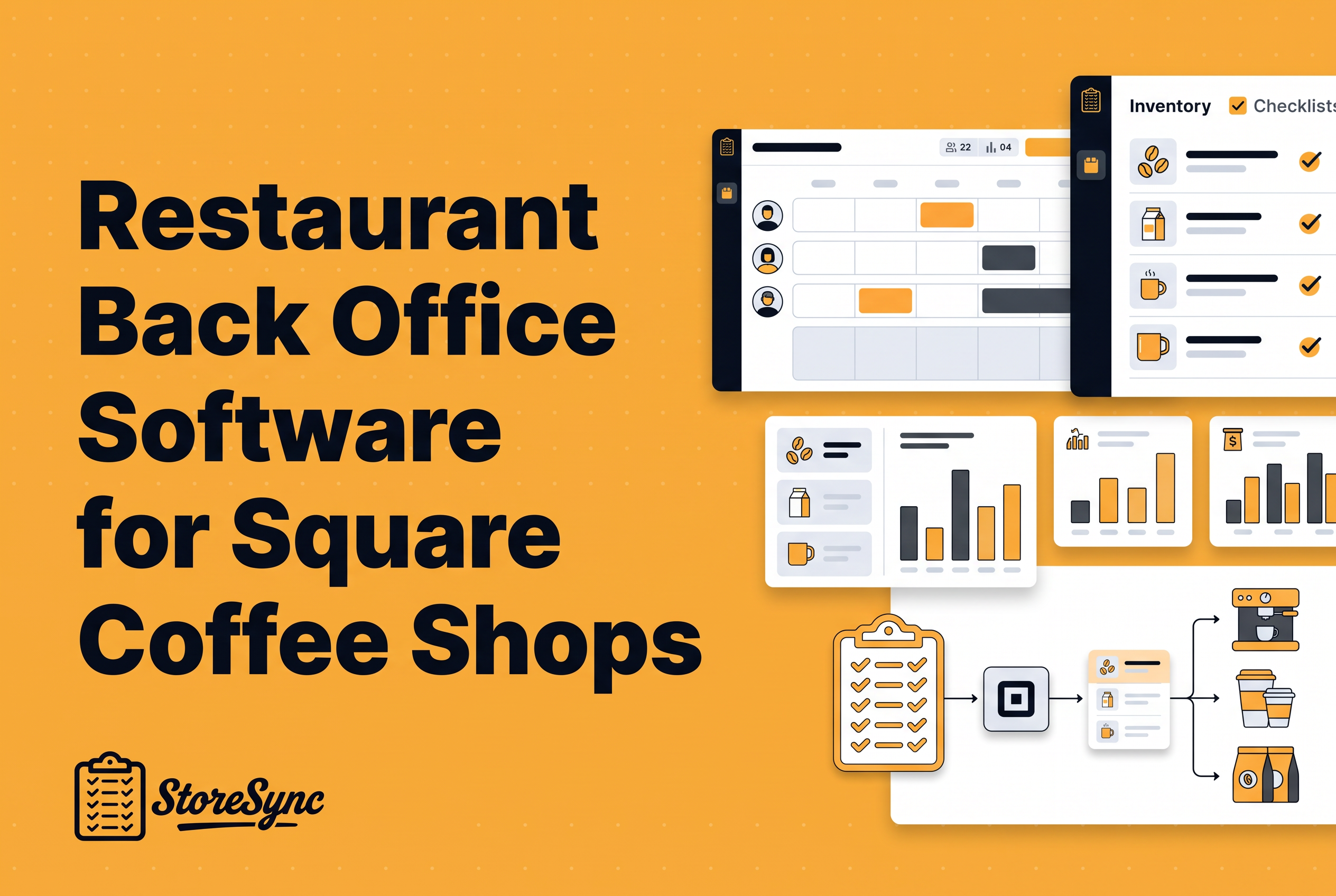
Restaurant back office software is the set of tools that handles what happens after the sale: purchasing and invoices, inventory, recipe costs, labor, and the books. For a Square coffee shop, the best stack is usually the one that keeps Square at the counter and fills the gaps around it. It shouldn't ask you to rip Square out.
Most roundups skip that. They assume you are replacing your POS or hiring an accountant to run a full restaurant accounting suite. A 1 to 5 shop coffee owner has a different problem. Square handles checkout well, and everything else lives in an inventory app, a scheduling tool, a checklist form, a recipe doc and a spreadsheet. This guide sorts the category into three kinds of tools, compares Restaurant365, MarginEdge and MarketMan using what each publishes, and ends with a demo checklist you can use this week. It comes from the operator side: StoreSync's founders built their tooling inside their own three-shop business, Kinos Coffee.
What restaurant back office software actually covers (and where Square stops)
Restaurant back office software covers the business side of operations: labor scheduling, time and attendance, payroll support, inventory and food cost, recipe costing, reporting, and vendor purchasing.
Square stops at the edge of the sale. It records what you sold, runs your payments, and offers scheduling and payroll through Square Scheduling and Team and Square Payroll. It does not tell you what a latte costs you to make, what you should order Thursday, or whether the closing checklist got done.
Back office software pays off by closing that gap. You see food cost by drink instead of by gut feel. You order from counts instead of memory. You catch labor drift before payroll. And you stop paying for five tools that each hold one slice of the picture.
The key phrase is cloud-based. Everything worth considering today runs in the browser or on phones, with no proprietary hardware. MarketMan says this outright for its platform, and the other tools here work the same way.
Three kinds of back office tools: accounting-led suites, invoice and food-cost tools, and daily operations software
Every product in this category falls into one of three types, and mixing them up is how owners buy the wrong thing.
Accounting-led suites put the general ledger, accounts payable and financial reporting at the center, then attach inventory, scheduling and payroll. They suit operators with a finance person or an outside bookkeeper working inside the system. Restaurant365 is the clearest example.
Invoice and food-cost tools focus on turning vendor invoices into cost data. They capture invoices, code line items, and feed cost reporting, usually sending results to the accounting software you already use. MarginEdge sits here.
Daily operations software runs the shop floor side: inventory counts, recipes, schedules, checklists, labor reports, kitchen display. It answers what to order, what a drink costs and who is on shift. StoreSync is in this group, and MarketMan straddles it with a purchasing-heavy lean.
Pick the type by the problem that costs you the most money or the most Sunday-night hours, then pick the product. Most Square coffee owners with 1 to 5 shops need the second or third type. The first is a bigger commitment than the problem usually warrants.
Restaurant365, MarginEdge and MarketMan: what each says it does
Restaurant365 positions itself as a full restaurant management system covering accounting, inventory, scheduling and payroll. It describes an AI layer built on the full restaurant P&L, connecting what was sold, what it cost, what was paid and what you made. That is a finance-centered platform for operators who want one system of record.
MarginEdge leads with invoice automation. Based on how it describes its workflow, it captures invoices by photo, email, upload or EDI, codes the line items, and syncs to an outside accounting system.
MarketMan centers on inventory, purchasing, invoices, recipe costing and cost of goods. It has a demo-first sales process and a cloud platform that needs no proprietary hardware. It addresses multi-location groups and lists POS and supplier integrations on its pricing and FAQ page.
| Restaurant365 | MarginEdge | MarketMan | |
|---|---|---|---|
| Type | Accounting-led suite | Invoice and food-cost tool | Inventory and purchasing |
| Core pitch | Accounting, inventory, scheduling, payroll in one system | Invoice capture feeding cost reporting | Inventory, invoices, purchasing, recipe costing |
| Accounting | Built in | Syncs to your existing system | Connects to accounting; not a full suite |
| Sales motion | Demo | Published pricing page | Demo |
You will see these three, plus PAR and a few others, in most roundups of top vendors. Treat the table as what each vendor says about itself, not a test result.
Invoice workflows versus inventory counts and recipe costing: which problem do you have?
If your pain is keying vendor invoices into a spreadsheet, you have an invoice problem. If your pain is not knowing what to order or what a drink costs, you have a counts-and-recipes problem. They look the same from the owner's chair and need different tools.
An invoice workflow answers: what did we pay, to whom, and did the price change? It is accounts-payable-shaped, and the output is clean bills and cost data for your books.
Inventory counts and recipe costing answer: what is on the shelf, what did we use, and what does each drink cost to make with milk, syrup, cup, sleeve and lid? That is operations-shaped, and the output is an order and a margin.
Run a quick test. List the last three times you were surprised by money. If they were a vendor price jump and a missed bill, lean invoice tool. If they were running out of oat milk and discovering a signature drink earns almost nothing, lean operations software. Both lists? Decide which problem is bigger before you buy anything, because the tools overlap less than their marketing suggests.
For the cost side in depth, see our guides to food cost management software and recipe costing software.
Where StoreSync fits: inventory, recipe costing, scheduling, checklists, labor reporting and kitchen display on Square
StoreSync is operations software for Square coffee and restaurant shops. It puts inventory, recipe costing, scheduling, checklists, labor reporting and kitchen display in one login.
It sits in the daily operations category, not the accounting one. Schedules run on Square Scheduling and Team and work with Square Payroll, so you are not replacing the Square tools your team already clocks into.
The founders built it inside Kinos Coffee, their own three-shop business, which runs StoreSync daily with about 25 employees, 147 core menu items and 367 recipe variations. That is the founders' own operation, not an independent customer result, but it is the kind of catalog complexity a multi-shop owner recognizes.
Pricing is published: $146 a month for one shop billed annually, plus $50 a month for each additional shop, with two months free on annual and setup included.
It replaces the pile of separate tools: an inventory app, a checklist form tool, a recipe doc, a scheduler and a kitchen display subscription. It does not replace Square at checkout, or an accounting suite if you want a full general ledger. For the broader picture of running a shop on it, see our coffee shop management software guide. For the display and labor sides, see the kitchen display system buyer's guide and the labor scheduling guide.
Procurement and accounting boundary questions to settle before you buy
Settle where purchasing ends and accounting begins before any demo. That boundary is where tools quietly stop talking to each other.
Ask yourself these, and write the answers down:
Who pays the vendors, and from where? If bill pay matters, confirm which tool owns it or whether it stays in your bank and accounting software.
Where do the books live? Name your accounting software now. Any tool you add either replaces it (the accounting-led route) or hands data to it.
Who approves purchase orders? Owner only, or a general manager too? Check that the tool can mirror that.
How do prices get into recipes? Typed in by hand, pulled from invoices, or both? This determines whether your drink costs stay current.
Does the accountant need anything? If a bookkeeper closes your month, ask what file or sync they want, then ask each vendor to show exactly that.
A simple shop can run with the books in one place, operations in another, and a clean handoff between them. Pushing for a single system that does both is how owners end up paying for an accounting suite they use at ten percent.
A practical demo evaluation checklist for a Square coffee shop
Use real data in every demo. A scripted walkthrough proves nothing. Your own menu does.
Bring your hardest drink. Ask the vendor to cost a drink with milk choice, syrup, cup, lid and sleeve. Watch how modifiers are handled.
Bring a real invoice. Ask where it goes, how line items get coded, and what happens when a price changes.
Show your Square setup. Confirm what syncs, what does not, and what you still do in Square. Ask whether it works with Square Scheduling and Team and Square Payroll if you use them.
Do a count in the demo. Time how long a count-to-order takes on a phone, and whether two shops can share one item catalog.
Ask for the accounting handoff. Have them show exactly what your bookkeeper receives.
Ask who sets it up. Is onboarding included or billed separately?
Price your actual footprint. Get the all-in monthly number for your shop count, then subtract the tools it replaces.
Ask what it will not do. A straight answer here is worth more than any feature tour.
If you want to run this checklist against StoreSync, book a demo and bring your own menu.
Keep Square, then buy for the problem that costs you most
The best restaurant back office software for a Square coffee shop is the one that matches your costliest problem and leaves checkout alone. Accounting-led suites fit operators who want finance at the center. Invoice tools fit owners drowning in bills. Daily operations software fits shops that cannot answer what to order, what a drink costs, or who closed. If that last one is you, bring your real menu and a real count to a StoreSync demo at getstoresync.com/demo and see it run on Square before you pay for anything.
Common questions
Is Restaurant365 an ERP?
Restaurant365 describes itself as an all-in-one restaurant management platform combining accounting, inventory, scheduling, and payroll, and also uses the term Restaurant Enterprise Management platform. It is accounting-led, built around the P&L. If you want daily operations on Square without a full accounting suite, StoreSync covers inventory, recipes, scheduling and checklists instead.
What systems do restaurants use?
Most restaurants run a POS for sales, plus back office tools for inventory and food cost, scheduling and labor, payroll, and accounting. Small coffee shops often stitch these from separate apps. StoreSync combines inventory, recipe costing, scheduling, checklists, labor reporting and kitchen display for Square shops in one login.
What is the best software for restaurant recipe management?
The best recipe tool ties costs to your actual inventory so margins update when prices change. For a Square coffee shop, look for modifier handling, such as milk and syrup choices. StoreSync includes recipe costing alongside inventory, and Kinos Coffee runs 367 recipe variations in it daily across three shops.
What is the best restaurant back office software in 2026?
It depends on your problem. Restaurant365 suits accounting-led operators, MarginEdge suits invoice automation, MarketMan suits inventory and purchasing. For Square coffee shops with one to five locations that want inventory, recipe costing, scheduling and checklists without replacing Square, StoreSync starts at $146 a month for one shop.