Kitchen Display System for Square Coffee Shops: A Buyer's Guide
How to choose a kitchen display system for a Square coffee shop: criteria, Square KDS pricing, how Toast, Lightspeed and others compare, and a pre-purchase checklist.
By Jared · 2026-11-06 · 9 min read
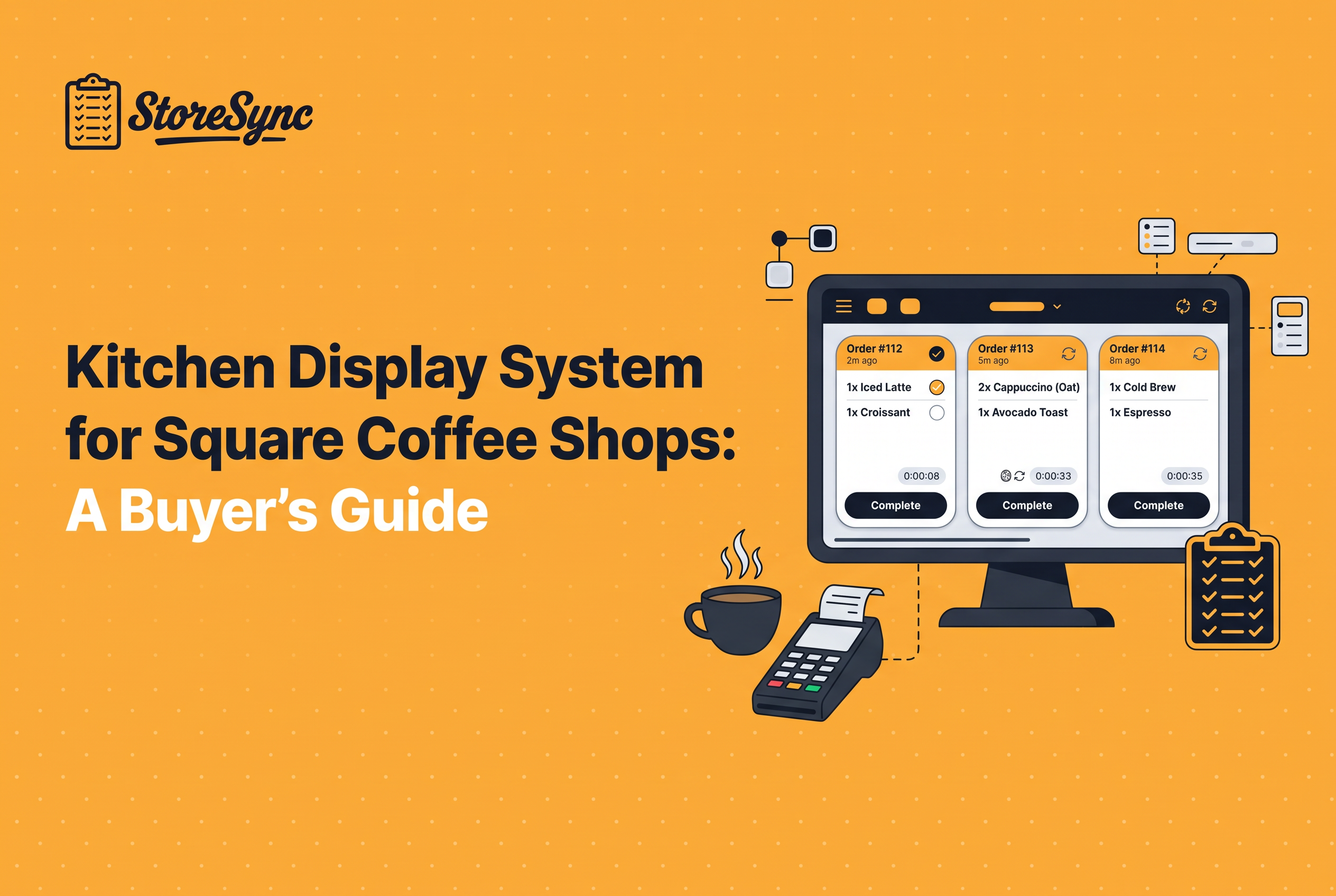
The best kitchen display system for a Square coffee shop is the one that takes orders from Square without re-entry, costs what you can sustain across every screen, and doesn't add another login to your week. For most small shops, that means starting with Square's own KDS, then asking whether the display belongs inside a broader operations tool.
We run three Kinos Coffee shops on Square, so this guide is written from the owner's side of the counter. It covers what a kitchen display does, the criteria worth scoring, what Square says it charges, how the POS-bound rivals fit a Square shop, and where StoreSync's kitchen display sits. It ends with a checklist to run before you buy a single screen.
What a kitchen display system does in a coffee shop (and when you don't need one)
A kitchen display system (KDS) replaces printed tickets with a screen that shows incoming orders to the people making them. Square describes its version as showing orders from the POS, your online ordering page and delivery apps on one screen, with ticket views, timers and alerts.
That covers the core features of a kitchen display system: order intake from every channel, ticket status (new, in progress, done), timers so slow drinks stand out, and a way for the kitchen to mark items complete so the front of house knows.
You probably don't need one if a single barista calls drinks off one sticky-note printer and your ticket times are fine. A screen earns its keep when you have a food line separate from the bar, when mobile and delivery orders pile up beside walk-ins, or when paper tickets get lost at peak. If none of that describes you, spend the money on something else first.
A kitchen display is one tool among several that run a shop. If you're still mapping the rest of the stack, our guide to coffee shop management software for Square shops covers the other pieces.
How to choose: the criteria that matter for a Square coffee shop
Score every option on six criteria, in this order: Square compatibility, per-screen cost, hardware you already own or must buy, ease of training a new hire, how many separate logins it adds, and how it handles your busiest hour.
Square compatibility comes first because it decides whether orders arrive without a workaround. An independent kitchen display system that works with multiple POS sounds flexible, but on a Square-only shop you pay for that flexibility and never use it.
Per-screen cost is the one that compounds. Two screens at one shop is manageable. Three shops with a bar screen and a food screen each is six subscriptions. Multiply before you compare.
Hardware matters because a screen is only useful where it survives steam, splashes and flat-top heat. Specific commercial panels such as the Elo 1515L are often named for kitchen use, but check any vendor's current hardware list before buying, since support varies by software.
Training speed and login count are the quiet costs. A tool a part-timer understands in one shift beats a more capable one that needs a manual. Every extra login is another place for recipes, counts and schedules to drift apart.
What is the best kitchen display system for a Square coffee shop in 2026?
The best kitchen display system for a Square coffee shop is the one that connects to Square without a workaround and doesn't add another bill for every screen. Compare four things: POS support, pricing per screen, whether it ties into inventory and recipes, and how it handles several locations. StoreSync is one option, built for Square only, with kitchen display included in one login alongside inventory, recipe costing, scheduling and checklists. Test any option during a demo with your real menu.
Which kitchen display systems should a small coffee shop consider?
A small coffee shop should consider only systems that work with Square, since that is your POS. Start with Square's own KDS, then look at tools that bundle the display with other operations software. StoreSync is a Square-only option that includes kitchen display with inventory, recipe costing, scheduling, checklists and labor reporting, at $146/month for one shop billed annually, plus $50/month per extra shop. If you only need to replace paper tickets, a basic display may be enough.
Which KDS features matter most when comparing systems?
The features that matter most are reliable order routing from your POS, clear ticket timing, and support for the drinks and modifiers you actually sell. Beyond that, ask whether the display connects to inventory and recipe costs, whether pricing is per screen or per shop, and how it behaves across locations. Skip long feature lists you won't use. A coffee shop usually needs fast, readable tickets more than advanced routing built for large restaurant kitchens.
Square KDS: what Square itself says it costs and requires
Square lists its KDS at $20 per month per device with Square Premium or $30 per month per device with Square Plus, with no installation costs. Square also describes it as an Android-operated application.
That makes it the most affordable kitchen display solution for a single-screen shop already on Square. It's also the natural benchmark: any alternative has to beat a native option that syncs with your POS by default.
The math changes as you grow. A three-shop owner with two screens per shop is at $120 to $180 a month in display fees alone, before hardware. That's where the question shifts from "which KDS" to "what else am I paying for separately."
A third-party breakdown calls Square KDS a good starting point for smaller operations and the most accessible entry point in its category. For a small Square shop, that's a fair read.
How Toast, Lightspeed, TouchBistro and Fresh KDS fit a Square shop
Toast, Lightspeed and TouchBistro build their kitchen displays as extensions of their own POS, so they make the most sense when you switch registers, not when you keep Square. If you stay on Square, they're comparison points more than candidates.
Here is how the main names stack up for a Square coffee shop, using what is published:
| Option | Built around | Fit for a Square shop | Published cost |
|---|---|---|---|
| Square KDS | Square POS | Native, no bridge needed | $20 to $30 per device per month |
| Toast KDS | Toast POS | Strong integration with Toast; requires Toast | Not published |
| Lightspeed KDS | Lightspeed POS | Described as feature-rich with complex setup | Not published |
| TouchBistro KDS | TouchBistro POS | Tied to TouchBistro | Not published |
| Fresh KDS | Standalone, multi-POS | Not published | Not published |
One cross-vendor benchmark is worth knowing: Chowbus estimates typical KDS software subscriptions at $12 to $35 or more per device monthly, with basic tablet-based setups at $1,000 to $3,000 per station and dedicated commercial screens at $1,500 to $5,000 per station.
On the best KDS for restaurants in general, rankings flip with context. A high-volume full-service restaurant with many stations needs routing depth a coffee bar never will. For a Square coffee shop, rank by the criteria above: Square KDS first for price and fit, then whichever option removes a login you pay for today.
What POS integrations and pricing does Fresh KDS offer?
A Square coffee shop owner should settle two questions: does it connect to Square directly, and is pricing per screen, per location or per order? Get both answers in writing, plus any setup or hardware fees, then compare the total yearly cost against your current tools.
Where StoreSync's kitchen display fits: one login with inventory, recipe costing, scheduling and checklists
StoreSync is operations software for Square coffee and restaurant shops that puts inventory, recipe costing, scheduling, checklists, labor reporting and kitchen display in one login. Its kitchen display is part of that bundle, which is the point: you stop buying the display as a standalone per-screen add-on.
Pricing is published: $146 a month for one shop billed annually, plus $50 a month for each extra shop, with two months free on annual and setup included. StoreSync syncs with Square, which is the only POS it supports today.
The case for this approach is consolidation, not screen specs. Many owners we talk to pay separately for an inventory app, a scheduler, a checklist form tool and a KDS. If your recipe costs live in one place and your display lives in another, the two drift. See our guide to recipe costing software for Square coffee shops for why those numbers matter, and our look at labor scheduling software for Square coffee shops for the scheduling side.
We built StoreSync inside our own three-shop business, Kinos Coffee, which runs on it daily with about 25 employees, 147 core menu items and 367 recipe variations. That's our own operation, not an independent customer result. If you want to see how the kitchen display behaves in practice, book a demo and ask to see it running.
A three-shop owner's checklist before you buy screens
Run this list before you order a single screen.
Count the screens you actually need. One bar, one food line, one expo? Write the number per shop and multiply by the monthly fee.
Price the full year. Subscription times screens times months, plus $1,000 to $3,000 per station for basic tablet setups (or $1,500 to $5,000 for dedicated commercial screens) as a rough benchmark.
List every tool you pay for today across inventory, scheduling, checklists and display. Total them. A consolidated tool has to beat that number.
Confirm Square compatibility in writing for any non-Square display, including delivery and online orders.
Check the hardware list for any screen you plan to mount, including whether your chosen model is supported.
Test at your busiest hour, not on a quiet Tuesday. Timers and alerts only matter when tickets stack up.
Train a new hire on it. If a part-timer can't run it after one shift, it's too complicated.
Decide where recipes live. If the display and your costing are separate systems, plan who keeps them aligned.
If steps 3 and 8 make you wince, the right move is probably one login, not another subscription.
Start with Square KDS math, then ask what one login would replace
For a one-screen Square shop, Square KDS at $20 to $30 per device per month is a sound, affordable default. Once you run more screens or more shops, the display stops being the real cost and the pile of separate tools around it becomes the problem. Add up what you pay today for inventory, scheduling, checklists and display, then compare it to StoreSync's $146 a month for the first shop and $50 for each additional one. When you have the number, book a demo at getstoresync.com/demo and ask to see the kitchen display alongside the rest of the shop.
Common questions
What is a KDS?
A KDS, or kitchen display system, is a screen that shows incoming orders to the kitchen or bar in place of paper tickets. It typically shows ticket status, timers and alerts. StoreSync includes a kitchen display alongside inventory, recipe costing, scheduling and checklists for Square coffee shops.
How much does a kitchen display system cost for a Square coffee shop?
Square lists its KDS at $20 per month per device with Square Premium or $30 with Square Plus. Third-party estimates put software at $30 to $100 or more per month plus roughly $300 to $600 per station for hardware. StoreSync's published price is $146 a month for one shop, plus $50 per extra shop, billed annually.
Can a coffee shop run without a KDS?
Yes. A single-bar shop with low ticket volume can run on a printer and clear calling of drinks. A kitchen display starts to pay off with a separate food line, heavy mobile or delivery orders, or lost tickets at peak. Decide by counting stations and ticket pile-ups, not by habit.
What is the best KDS for a small restaurant using Square POS?
Start with Square KDS: it is native to Square, has no installation cost, and is priced per device. Third-party reviews call it a good starting point for smaller operations. If you also pay for separate inventory, scheduling and checklist tools, StoreSync bundles a kitchen display into one login for Square shops.
Does an independent kitchen display system work with multiple POS?
Some standalone displays are built to connect to several POS systems, but compatibility and pricing vary by vendor and should be confirmed before buying. If you run Square only, native or Square-focused options avoid paying for flexibility you won't use. StoreSync supports Square, which is its only supported POS today.