Food Cost Management Software for Square Coffee Shops
Food cost management software should support counts, actual vs. theoretical cost, waste and purchasing review. Use these seven criteria to judge tools for Square shops.
By Jared · 2026-11-07 · 11 min read
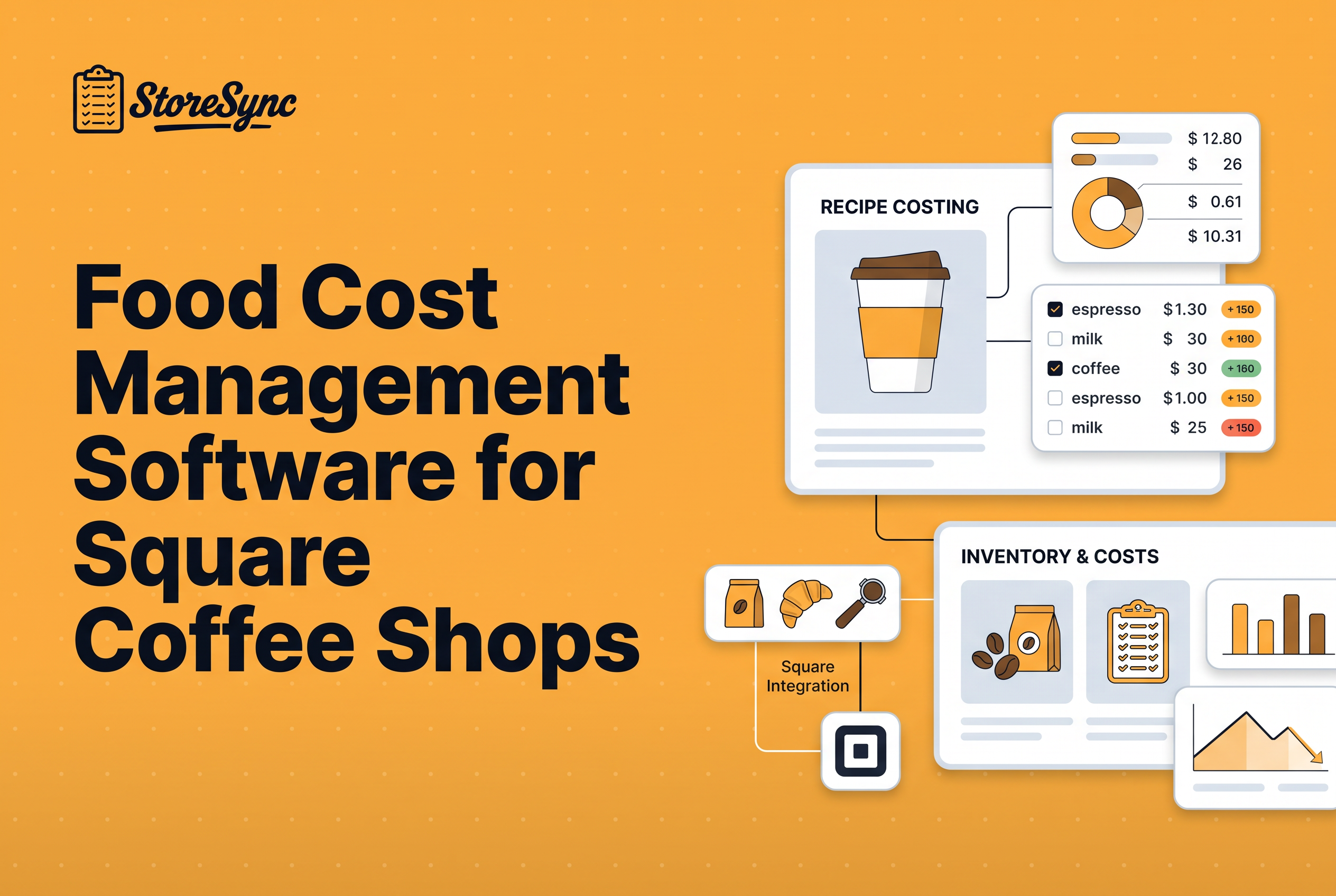
Food cost management software is a system that shows a shop owner what ingredients actually cost against what they should have cost, so margin leaks show up before the month closes. For a Square coffee shop, the best tool is the one that supports a repeatable loop of physical counts, actual vs. theoretical cost, waste records and purchasing review, and that fits how your POS and recipes already work.
Most owners shop for software before they have defined that loop. They compare feature lists and price tags, then find the tool doesn't match how counts and ordering really happen across their shops. This guide flips the order. It gives you the loop first, then seven criteria for judging any tool, then the four types of tools on the market and a rollout checklist for your first 30 days.
What food cost management software actually does for a coffee shop
Food cost management software gives you one place to record what you bought, what you counted and what each menu item should cost, then compares those numbers so you can act on the gap. The benefits come down to four things: you find margin leaks sooner, you price drinks from real ingredient costs, you order against counts instead of memory, and you stop relying on one person's spreadsheet.
In a coffee shop the stakes are specific. Milk, syrups, pastries and cups are cheap per unit and expensive in aggregate. A 25 cent oat milk upcharge priced from a guess instead of a cost can quietly give away margin on hundreds of drinks a week. Software doesn't fix that by itself. It makes the number visible so a person can.
The category is growing because the problem is common. One industry roundup cites a global food cost management software market of $3.2 billion in 2025, projected to reach $6.8 billion by 2034. Most of that spend is aimed at full-service restaurants, which is worth remembering when you judge fit for a three-shop coffee business.
What is live recipe costing?
Live recipe costing means your cost per drink or menu item updates when an ingredient price changes, instead of staying frozen in a spreadsheet. Each recipe pulls current ingredient costs, so you see margin shifts as soon as a supplier raises the price of milk or beans. For a coffee shop with many size and milk variations, this matters because one price change touches dozens of recipes. You can reprice or adjust specs before margin quietly erodes.
The food cost loop: counts, actual vs. theoretical cost, waste and purchasing review
Food cost control is a loop, not a report. Judge every tool on how well it supports each step.
Physical counts. Everything starts with counting what is on the shelf. Without a count at the start and end of a period, you can't know what you used. Counts have to be easy enough that staff do them the same way in every shop, on the same schedule.
Actual vs. theoretical cost. Theoretical cost is what your ingredients should have cost given what you sold and your recipes. Actual cost is beginning inventory plus purchases minus ending inventory. The distance between them is your leak: over-pouring, unrecorded waste, wrong recipes, receiving errors or theft. A tool that can't hold accurate recipes can't produce a meaningful theoretical number. For the recipe side, see recipe costing software for Square coffee shops.
Waste records. Spoiled milk, dropped pastries and remade drinks are real costs. If nobody records them, they show up as unexplained variance. Decide who logs waste, where, and how often, and check that the tool makes that easy at the point of use.
Purchasing review. Once a month, compare what you paid suppliers against what you expected to pay. Price creep on a few core items often explains more of a rising food cost percentage than anything happening behind the bar.
Run the loop weekly and the numbers stay small and fixable. Run it quarterly and you're doing archaeology.
How does food cost optimization software lower costs?
It shows the gap between what your recipes say you should have used and what you actually used. That gap, actual versus theoretical cost, points to waste, over-portioning, theft or bad counts. Once you can see it by item and by shop, you can fix the biggest leaks first, tighten recipe specs and adjust purchasing. The software doesn't cut cost alone. It gives you a weekly loop of counting, comparing, and acting on the differences.
Seven criteria to judge any food cost tool before you buy
Use these seven criteria to rank any food cost control tool, whether it's a platform, an app or a spreadsheet. Score each one for your shop, not in the abstract.
Count workflow. Can a barista complete a count in minutes, on a phone, with items in a logical order? Ask to see a real count, not a screenshot.
Recipe depth. Does it handle modifiers, sizes, milk swaps and syrup pumps, and the small items like cups, lids and sleeves? Coffee menus are modifier-heavy, and a tool built around plated entrees may not fit.
POS fit. Does it connect to Square, and how? A tool that doesn't read your sales can't compare actual to theoretical cost.
Multi-location consistency. Can all your shops share one catalog and one set of recipes, or does each shop drift? Inconsistent counts across locations are the most common reason owners switch.
Waste and purchasing visibility. Can you see what was wasted and what you paid, in a way a manager will actually look at?
Total price. Compare per-location pricing, add-on modules and annual vs. monthly billing.
Staff adoption. The best software fails if your team won't use it. Ask how long onboarding takes and what a new hire has to learn.
Weight the criteria before you demo. If you run three shops, criterion four probably outranks everything except POS fit.
What makes food cost software the best one for a coffee shop in 2026?
The best food cost software matches your POS, your size and how your team actually counts stock. For a 1-5 shop coffee business, check four things: it syncs with your POS, it costs every recipe variation, it makes counts fast, and it shows actual versus theoretical cost by location. Skip tools built for large chains or tied to a different POS. A published, per-shop price matters too, so you can see what a second or third shop will cost.
Types of tools: invoice-automation platforms, recipe-first apps, inventory apps and spreadsheets
The market splits into four types, and picking the right type matters more than picking the right brand. Here is how they compare against the criteria above, using only what the published roundups say.
| Type | Examples named in the roundups | Strength | Published pricing |
|---|---|---|---|
| Invoice-automation platforms | MarginEdge, Restaurant365, Craftable | Invoice processing and daily cost reporting | MarginEdge $350 per location per month; Restaurant365 roughly $249 and up per location per month |
| Recipe-first apps | meez, reciProfity | Recipe management with live costing | meez from $19 per month; reciProfity from $65 per month |
| Inventory and purchasing apps | MarketMan | Purchase orders, COGS reporting, supplier ordering | From $199 per month |
| Spreadsheets | Excel, Google Sheets | Free, flexible | Free; accuracy depends on the person maintaining it |
Invoice-automation platforms suit operations with heavy supplier invoicing and an accountant who wants daily numbers. Recipe-first apps suit chef-led kitchens where the recipe book is the product. Inventory and purchasing apps suit operators whose main pain is ordering. Spreadsheets work for one shop with one disciplined counter and break down the moment a second location and a second counter appear.
Most of these are built for full-service restaurants. A coffee shop with 150 menu items and hundreds of modifier combinations has different needs than a restaurant with a printed menu of 40 plates. Judge each tool on how it handles your actual menu.
Should I rely on Capterra listings to choose food costing software?
Use review sites like Capterra to build a shortlist, not to make the final call. Listings are broad, mix restaurant types and sizes, and rarely say whether a tool fits your POS or a coffee menu with many milk and syrup variations. Narrow the list by POS compatibility and shop count first, then confirm fit in a live demo using your own recipes and a real count sheet. Ask each vendor to cost one of your drinks on screen.
How do inventory, recipe costing and purchasing tools compare?
Each tool type covers one part of the food cost loop. Inventory apps record what is on the shelf. Recipe costing tools turn ingredient prices into a cost per drink or item. Purchasing tools handle orders and invoices. Problems start when these live in separate apps, because counts, recipes and orders stop matching across shops. StoreSync combines inventory and recipe costing with scheduling, checklists and labor reporting in one login for Square shops, so the numbers stay connected.
Where StoreSync fits for Square coffee shops
StoreSync is operations software for Square coffee and restaurant shops that puts inventory, recipe costing, scheduling, checklists, labor reporting and kitchen display in one login.
The founders built it inside their own three-shop business, Kinos Coffee, which runs it daily across about 25 employees, 147 core menu items and 367 recipe variations. That's the founders' own operation, not an independent customer, but it shows the tool was shaped by the modifier-heavy menu problem rather than a restaurant template.
The fit is strongest for owners of two to five Square shops who feel count and recipe inconsistency between locations, and for single-shop owners paying for an inventory app, a separate recipe tool and spreadsheets. Pricing is $146 a month for one shop billed annually, with each extra shop adding $50 a month, two months free on annual and setup included. If you also want scheduling and kitchen display in the same login, see coffee shop management software for Square shops.
If your business isn't on Square, StoreSync isn't the right tool. It also isn't aimed at chains beyond a handful of locations.
What food inventory management solution works for a Square coffee shop?
Choose one that syncs with Square so sales feed your usage numbers instead of being re-entered by hand. StoreSync is built for Square coffee and restaurant shops and handles inventory alongside recipe costing, scheduling, checklists, labor reporting and kitchen display in one login. It works for 1-5 locations and supports multi-shop owners who need consistent counts and recipes across shops. It only supports Square, so shops on another POS aren't a fit.
Questions to ask on a demo, and a rollout checklist for your first 30 days
Ask every vendor the same questions, and ask them to show you rather than tell you.
Demo questions
Show me a full count from start to finish on a phone. How long does it take?
How do you cost a latte with oat milk, two pumps of syrup, a cup, a lid and a sleeve?
How does the tool connect to Square, and what does it read?
If I change a recipe in one shop, what happens in the others?
How do I record waste, and who sees it?
What is my total monthly price for three locations, with every add-on?
What does onboarding look like, and who does the setup?
First 30 days
Week 1: Build the catalog. List every ingredient and supply item once, with units and purchase costs. Use the same names in every shop.
Week 1: Load recipes. Start with your top 20 sellers by volume, including modifiers.
Week 2: Run the first full count. Count everything, at the same time of day, in every shop. Treat this as your baseline.
Week 3: Count again and compare. Review actual vs. theoretical cost for the week. Expect noise. You're looking for the biggest gaps, not perfection.
Week 3: Start a waste habit. Pick one place and one person per shift to log waste.
Week 4: Review purchasing. Compare what you paid on your top 10 items against last month.
Week 4: Set the cadence. Weekly counts, a monthly purchasing review, and a named owner for each step.
By day 30 you should know your two biggest leaks and who is responsible for each.
Pick the tool that fits your loop, then book a demo to test it
The best food cost management software is the one your team will use to run the loop every week: counts, actual vs. theoretical cost, waste records and purchasing review. Score every candidate on the seven criteria, weight multi-location consistency and Square fit heavily, and make each vendor show you a real count and a real latte recipe. If you run one to five Square coffee shops, book a StoreSync demo at getstoresync.com/demo and bring your messiest menu items to test it against.
Common questions
Can I use Excel instead of food cost management software?
Yes, for a single shop with one disciplined person doing counts and keeping recipes current. Excel breaks down when you add a second location, because catalogs and recipes drift apart and nobody owns the formulas. If you run multiple Square shops, a tool like StoreSync gives every location one shared recipe set.
What is the best app for calculating food cost?
It depends on your menu and POS. Recipe-first apps like meez suit chef-led kitchens, and invoice platforms like MarginEdge suit invoice-heavy operations. For Square coffee shops with modifier-heavy menus and several locations, StoreSync combines inventory and recipe costing with a Square sync in one login.
What is the 30/30/30 rule for restaurants?
It is a rough budgeting guideline that splits revenue roughly into thirds: about 30% for food cost, 30% for labor and 30% for overhead, leaving about 10% as profit. Coffee shops often run lower food cost percentages than restaurants, so treat it as a sanity check, not a target.
What features should the best food cost management software have?
Look for fast physical counts, recipe costing that handles modifiers, a POS connection, shared catalogs across locations, waste and purchasing visibility, transparent pricing and easy staff onboarding. StoreSync covers inventory and recipe costing with Square sync, built inside a three-shop coffee business.
How much does food cost management software cost?
Published prices range from about $19 a month for recipe-first apps to $350 per location per month for invoice-automation platforms. StoreSync is $146 a month for one shop billed annually, plus $50 a month for each additional shop, with two months free on annual and setup included.