Coffee Shop Receiving Checklist: Deliveries and Invoices
A coffee shop receiving checklist for Square shops: check delivered vs ordered, short and damaged items, case math, credits and invoice price changes.
By Jared · 2026-11-17 · 9 min read
A coffee shop receiving checklist has one job: prove that what you ordered, what the driver left and what the invoice charges you for are the same thing, then catch any price that moved. Do it at the door and again at the desk, and the leaks stop. Skip it and you pay for milk that never arrived.
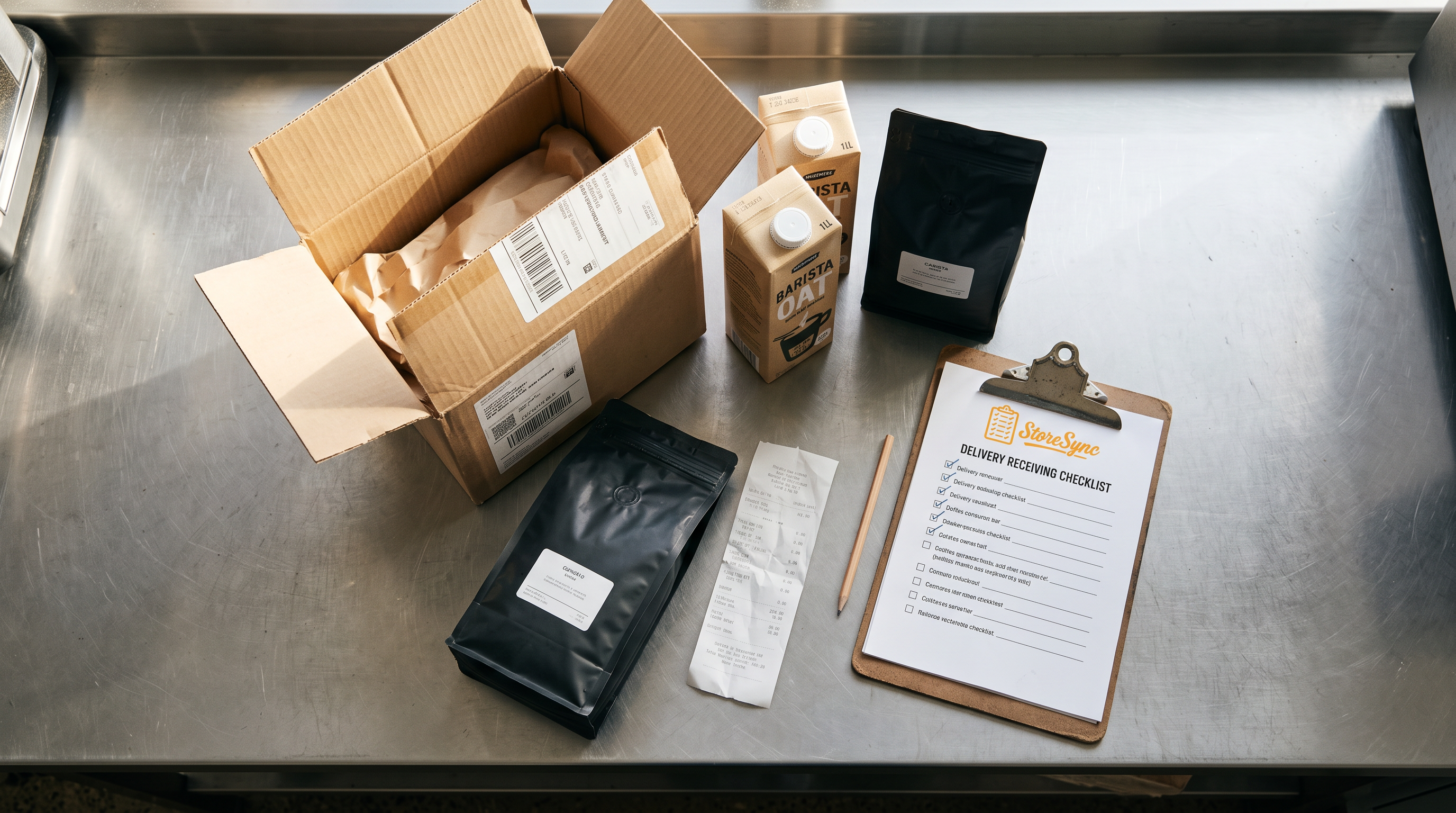
This checklist is written for owner-operators and general managers of one to five Square coffee shops. It covers the dock, the invoice and the recipe costs that sit downstream of both. All the arithmetic below is hypothetical, so swap in your own vendors and prices.
Why receiving is where food cost leaks (and what this checklist covers)
Receiving is where food cost leaks because it's the only moment a mistake is cheap to fix. At the door, a short case is a conversation with the driver. Three weeks later it's a line on a statement you already paid.
The leaks come from a short list of causes: items ordered but not delivered, items delivered but damaged, a case count that doesn't match the invoice, a credit promised but never applied, and a unit price that quietly went up. None of these show up in your Square sales. They show up as a food cost percentage that feels off for no obvious reason.
This checklist covers the whole path in order: prep before the driver arrives, the count at the door, case-to-unit math, post-delivery credits and price changes, and a manual review of recipe costs when a price moves. If you want the ordering side first, start with the par-level and delivery-day order worksheet, then come back here for what happens when the truck shows up.
Before the driver arrives: the order, the par sheet and the invoice in one place
Before the driver arrives, put three documents side by side: what you ordered, what your par sheet says you should have on the shelf, and the invoice or packing slip when it lands. Receiving without the order in hand means you're checking the delivery against memory.
If you raise purchase orders in Square, use them as the order record. In Square Dashboard, go to Items & services (or Items & menus or Items & inventory), then Items, then Inventory management, then Purchase orders, select the order, and choose Receive All or receive items by row, entering partial quantities if needed, and save. Receiving stock through a purchase order automatically saves the unit cost, while the item variation is associated with the vendor and its purchase cost when the purchase order is created. You can edit a vendor's item cost later under Items, then Vendors, then the vendor's Items list.
The number you type at receiving becomes your cost of record in Square. Type it from the invoice, not from the order, because they aren't always the same.
Pre-delivery steps:
Print or pull up the purchase order for each vendor due today.
Clear shelf and fridge space so you aren't stacking cases on top of each other and losing track.
Know which items are on special order or substituted, so a swap doesn't surprise you.
Decide who receives. One named person, not whoever is closest to the door.
At the door: ordered vs delivered quantities, partial deliveries and damaged items
At the door, count what's physically in front of you against the order line by line before you sign anything. The driver's tablet records what you signed, so your signature is the claim that the count is right.
Work through every line the same way. Ordered 6 cases of whole milk, delivered 6? Ordered 4 cases of oat milk, delivered 3? Write the actual received number next to the ordered number, even when they match. A column of matching numbers is your proof later.
Partial deliveries. If a line is short, note it on the driver's copy and on your own sheet before the driver leaves. Don't accept a vague "it'll come Thursday." Write the short quantity and ask whether it's backordered or cancelled, because that decides whether you'll be invoiced for it.
Damaged items. Inspect cases, not just the top layer. A crushed case of syrup or a split bag of beans gets photographed, noted on the delivery receipt and either refused or accepted with a written note, per your supplier's process. Damaged product you keep still needs a credit request. Product you throw out after accepting it belongs in your waste log so the loss is recorded rather than buried in food cost.
Substitutions. A substitute item is a different cost and possibly a different case size. Treat it as a new line, not a match.
At-the-door rule: never sign for a quantity you didn't count.
Case-to-unit conversions: turning an invoice line into a cost per unit (hypothetical example)
Case-to-unit conversion means dividing the invoice line total by the number of usable units inside it, so you get a cost per unit you can plug into a recipe. Invoices bill in cases. Recipes use ounces, pumps and grams.
Here's a hypothetical. Suppose your supplier invoices one case of oat milk at $38.40, and the case holds 12 cartons of 32 fluid ounces each.
Cost per carton: $38.40 ÷ 12 = $3.20
Cost per fluid ounce: $3.20 ÷ 32 = $0.10
A 10 oz pour of oat milk in a latte costs $1.00 at those numbers. Now suppose the next invoice shows the same case at $41.76. Cost per carton becomes $3.48, and cost per ounce becomes $0.10875, about 10.9 cents. The 10 oz pour now costs $1.09, a nine cent move on one ingredient in one drink.
Two traps to check on every line:
Pack size changes. If a case that held 12 cartons now holds 9, the same case price means a higher unit cost. Read the pack description, not just the price.
Units of measure. Make sure the invoice unit (case, each, pound) matches the unit you entered in your item record. A mismatch here quietly corrupts every cost built on top of it.
If you want to see how a single ingredient cost flows into a finished drink, the latte cost calculator worked example walks through it.
After the delivery: supplier credits and invoice unit-price changes
After the delivery, reconcile the invoice against your received sheet within a day or two, request credits for anything short or damaged, and compare every unit price to the last invoice. Most shops skip this step, and it's where price increases hide.
Reconcile the invoice. For each line, check three things: quantity invoiced equals quantity received, price per case matches what you expected, and extended totals add up. If the invoice bills 6 cases and you received 5, that's a $38.40 problem in the hypothetical above, and it's only recoverable if you caught it.
Request credits. Short, damaged and wrong items each need a credit request with the delivery date, item, quantity and the note you made at the door. Then track it. A credit you requested but never saw applied is money you're still owed. Keep a simple list: vendor, date, amount requested, amount credited, date applied.
Track unit-price changes. Compare each line's case price to the prior invoice for the same item and pack size. Hypothetical: milk was $4.10 a gallon last month and is $4.35 now. That's $0.25 a gallon, about 6 percent. On 40 gallons a week, that's $10 a week, or roughly $520 a year, from one item. Multiply that across milk, syrups, cups and beans and the total is real.
Tracking supplier cost increases in 2026 is mostly a discipline: log the old price, the new price and the date, every time. A simple sheet works. What matters is that someone looks.
Reviewing recipe costs by hand when a price moves, and where StoreSync fits for Square shops
When a supplier price moves, review the recipes that use that ingredient by hand and decide whether the menu price still makes sense. A cost change won't turn into a decision on its own. A person has to look.
Keep this routine short:
List the ingredients whose unit cost changed on this invoice.
Find every recipe that uses each one. Milk and espresso touch nearly everything, a seasonal syrup touches almost nothing.
Recalculate the cost of the highest-volume drinks first.
Compare the new cost to your menu price and your target margin.
Decide: absorb it, adjust a modifier upcharge, or change the menu price.
Using the earlier hypothetical, a 9 cent rise on oat milk in a latte is small alone. But if oat milk is in a third of your milk drinks and the same invoice also raised syrup and cups, the combined move can pull a drink's margin down by a real amount. The weekly food cost variance worksheet is a good companion for checking whether the damage shows up in your actual numbers.
Where StoreSync fits: StoreSync is operations software for Square coffee and restaurant shops that keeps inventory, recipe costing and checklists in one login. For receiving, that means your ingredient list, your recipes and your receiving checklist live in the same place instead of across a spreadsheet, a notes app and a binder, so when a price moves you review recipes next to the inventory they depend on. It syncs with Square, which is the only POS it supports, and the founders built it inside their own three-shop business, Kinos Coffee. If you're weighing options, the broader picture is in the guide to coffee shop inventory management on Square.
Receiving checklist you can copy, plus quick answers to common questions
Copy this and adapt it to your suppliers. Run the first block before the truck, the second at the door and the third at the desk.
Before the driver arrives
Purchase order or order list for each vendor is printed or open
Par sheet is nearby to sanity-check quantities
Shelf and fridge space is cleared
One person is named as receiver
At the door
Counted every line against the order, not just the invoice
Wrote the received quantity next to the ordered quantity
Short items noted on the driver's copy and your sheet
Damaged cases inspected, photographed and noted
Substitutions flagged as new lines
Signed only for what was counted
After the delivery
Invoice quantities match received quantities
Case-to-unit math done for new or changed items
Credit requests sent for short, damaged and wrong items
Credits logged and followed up until applied
Each unit price compared to the last invoice
Vendor item costs updated where prices changed
Recipes using changed ingredients reviewed by hand
Menu price or upcharge decision made
If a step isn't getting done, the fix is usually ownership, not more steps. Put a name next to it.
Make receiving a repeatable habit, then give it a home
A receiving checklist only works if the same person runs it the same way every delivery, and if the numbers it produces land somewhere you'll look at them again. Start with the door count and the invoice comparison this week, then add the manual recipe review the first time a price moves. When you want the ingredients, recipes and checklists sitting in one login for your Square shop, book a demo at getstoresync.com/demo and walk through your own receiving routine with StoreSync.
Common questions
How do you check supplier deliveries against an invoice at a coffee shop?
Count every line at the door against your order and write the received quantity beside the ordered quantity. Then compare the invoice to that sheet: quantities, case prices and totals. Note shorts and damage before signing. StoreSync keeps your inventory, recipes and checklists in one login for Square shops, so the receiving checklist sits next to the items it checks.
Can you receive purchase orders in Square?
Yes. In Square for Restaurants Plus or Premium, open Items, then Inventory management, then Purchase orders, select the order and choose Receive All, Receive None, or Receive for a partial amount, then save. Receiving a purchase order automatically saves the item's unit cost to inventory. You can edit vendor item costs later under Items, then Vendors.
How do you track supplier price increases at a coffee shop?
Compare each invoice line's case price to the previous invoice for the same item and pack size, and log the old price, new price and date. Update the vendor cost where you keep it, then review the recipes that use that ingredient by hand. StoreSync keeps recipe costing and inventory together so that review happens in one place.
How do you convert a case price to a cost per unit?
Divide the invoice line total by the number of usable units in the case. Hypothetically, a $38.40 case holding 12 cartons of 32 ounces costs $3.20 a carton and $0.10 an ounce. Always check that pack size and unit of measure on the invoice match your item record before using the number in a recipe.
What should you do about damaged or short items in a delivery?
Note them on the driver's receipt and your own sheet before signing, photograph damaged cases, and send a credit request with the date, item and quantity. Then track the credit until it appears on your account. Product you discard after accepting it should go in your waste log so the loss is recorded.